Restore and Animate Old Photos
Correct fading, noise and mild blur, then compare the result. Make a portrait blink, smile or sway gently and download a photo, GIF or MP4.
Drop a JPG, PNG, WebP or HEIC file up to 20 MB. Photos are processed in your browser.
Before and after
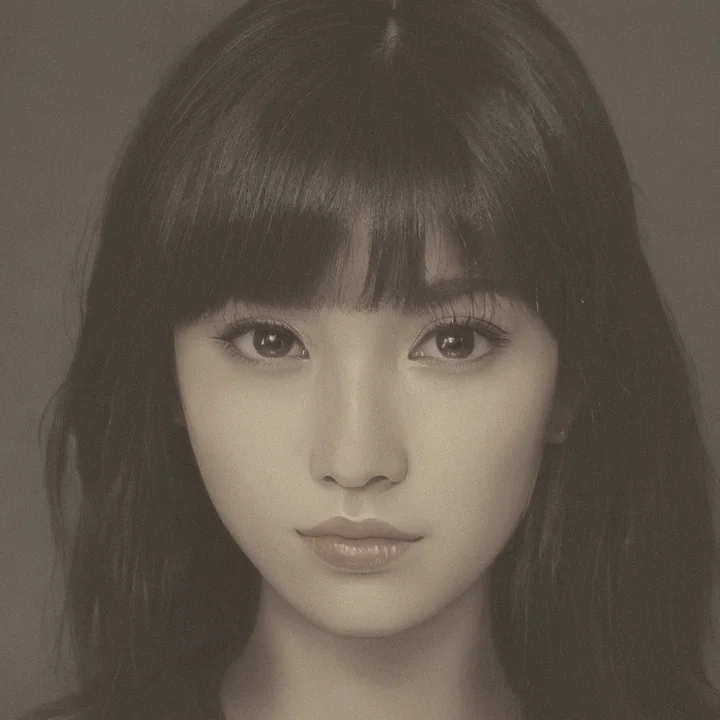 Example photo
Choose a photo or try the example to explore restoration and animation.
Which photos work best for restoration and animation?
Adjustments can help with fading, fine noise and mild blur. Creases, large damage and missing facial features need individual retouching.
Portrait effects simulate movement using facial landmarks. Clear, unobstructed, front-facing portraits work best.