ARTICLE
midwayjs - 相关基础知识


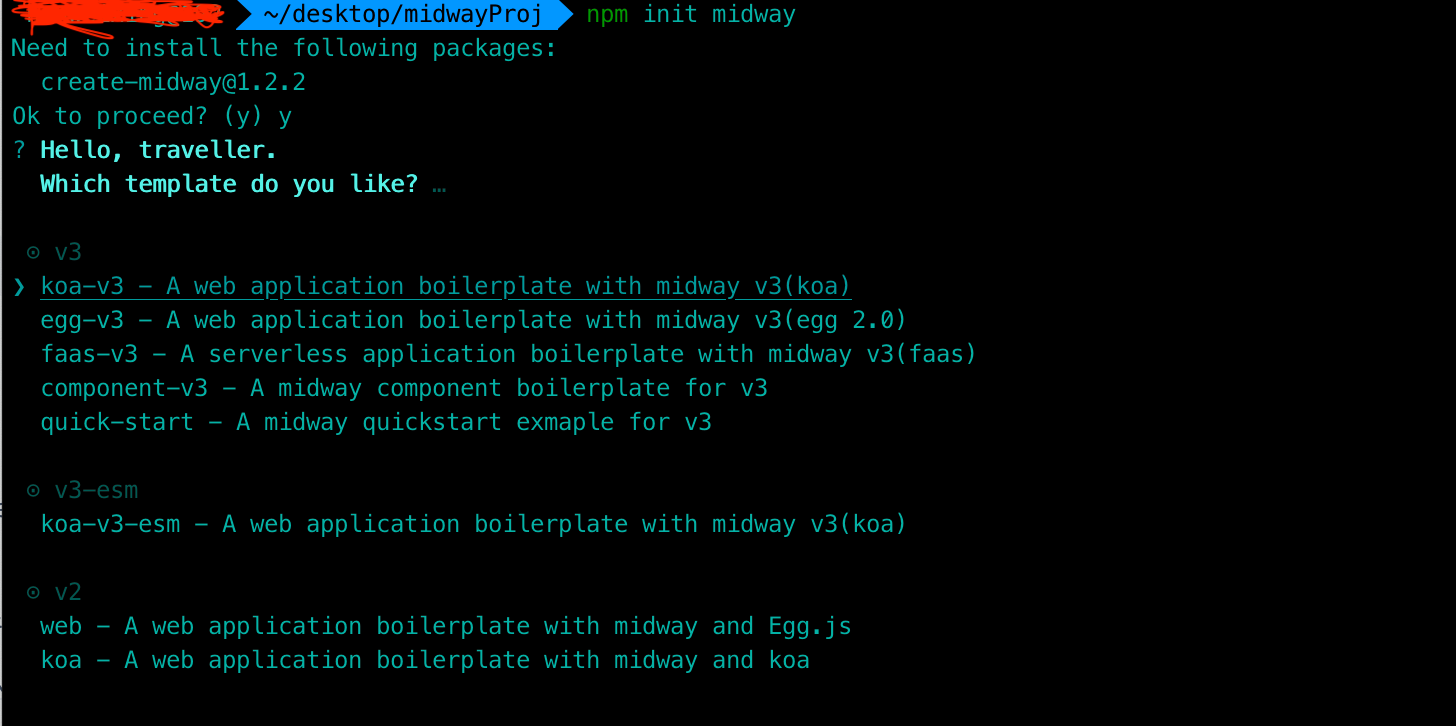
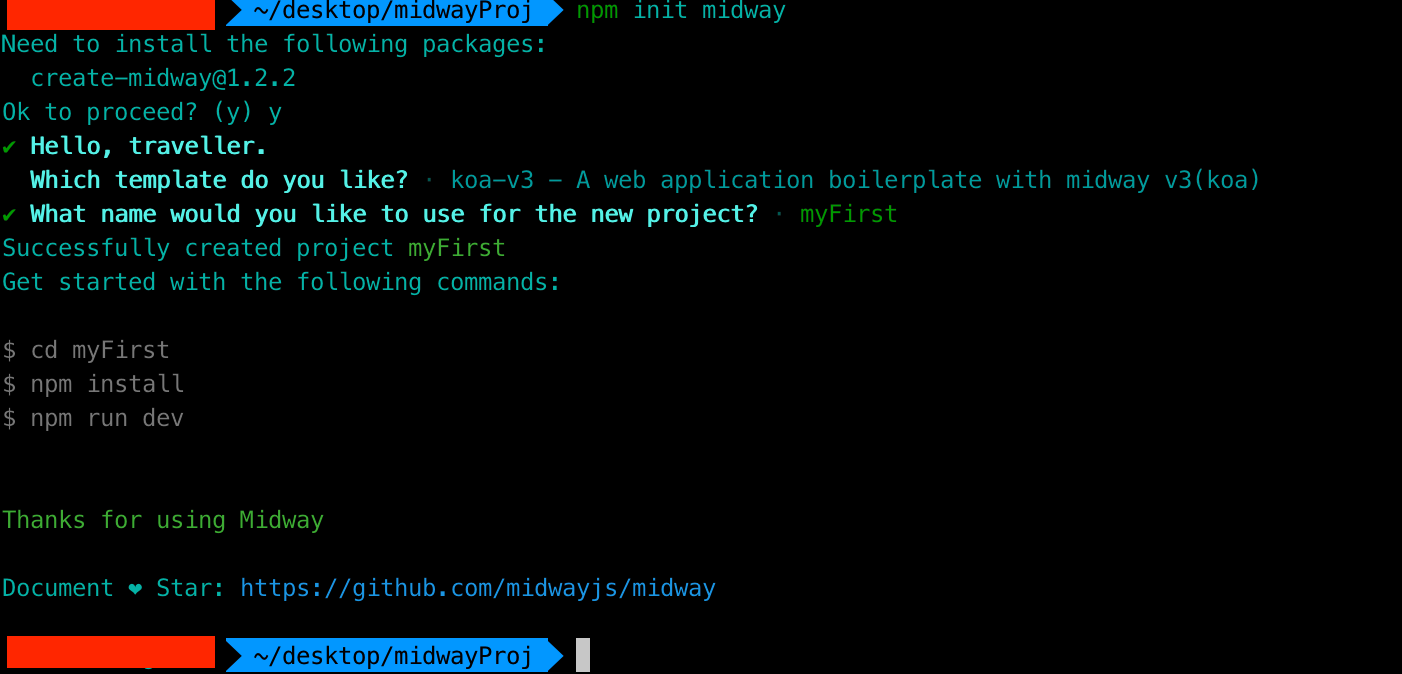
二、目录结构
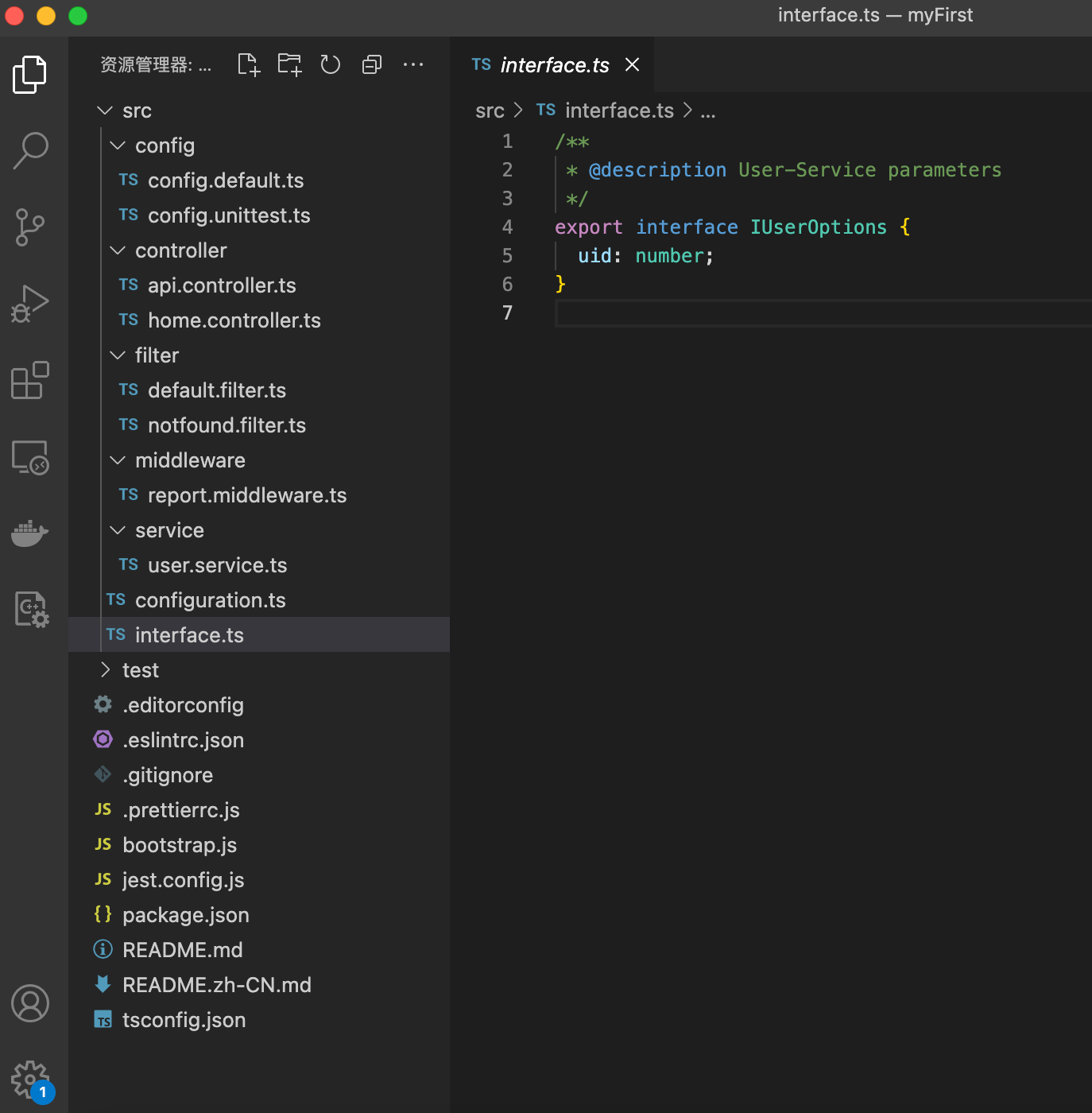
configuration:组件配置等
interface:参数约束等
config:缓存、数据库等
controller:写请求响应api
filter:过滤器,比如异常、404等
middleware:中间件,请求的日志记录、安全拦截等
service:写业务逻辑
test: 单元测试
三、数据库typeorm
具体步骤参考:midwayjs-orm
3.1、安装
terminal
npm i @midwayjs/typeorm@3 typeorm --save3.2、配置configuration
configuration.ts
import { Configuration } from '@midwayjs/core';
import * as orm from '@midwayjs/typeorm';
import { join } from 'path';

@Configuration({
  imports: [
    // ...
    orm                                                         // 加载 typeorm 组件
  ],
  importConfigs: [
    join(__dirname, './config')
  ]
})
export class MainConfiguration {

}
3.3、安装数据库 Driver
language
# for MySQL or MariaDB,也可以使用 mysql2 替代
npm install mysql --save
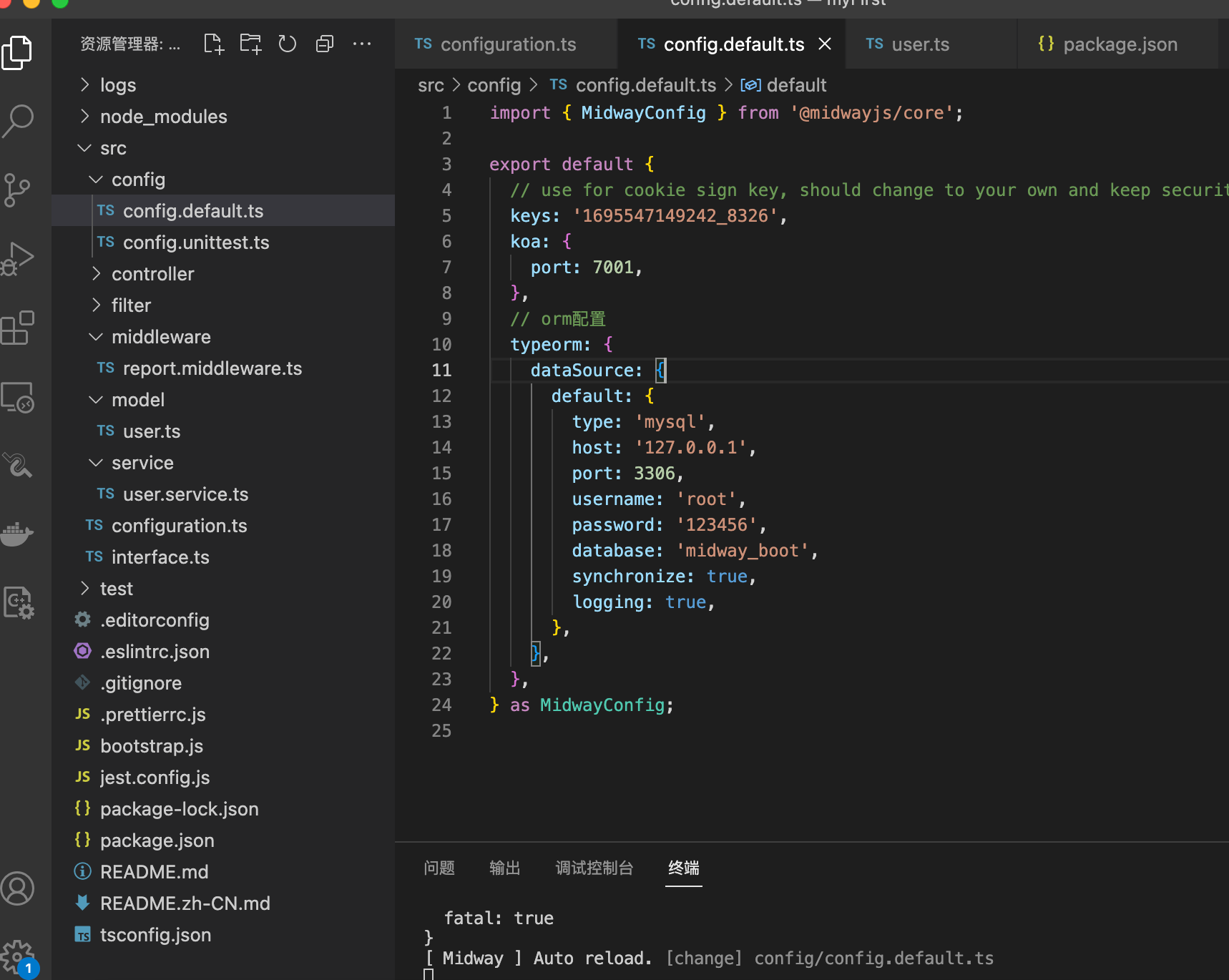
3.4、配置config.default.ts
ps:需要改成你在自己电脑上的mysql对应的ip、port、用户名、密码
config.default.ts
// orm配置
  typeorm: {
    dataSource: {
      default: {
        type: 'mysql',
        host: '127.0.0.1',
        port: 3306,
        username: 'root',
        password: '123456',
        database: 'midway_boot',
        synchronize: true,
        logging: true,
      },
    },
  },
Published in2024-01-11 14:50:23
The browsing2116·
Write your thoughts.
Share views, friendly communicationNo comments, let’s post the first comment.