flutter compileDebugKotlin的报错:Unresolved reference 'Registrar'

报错信息
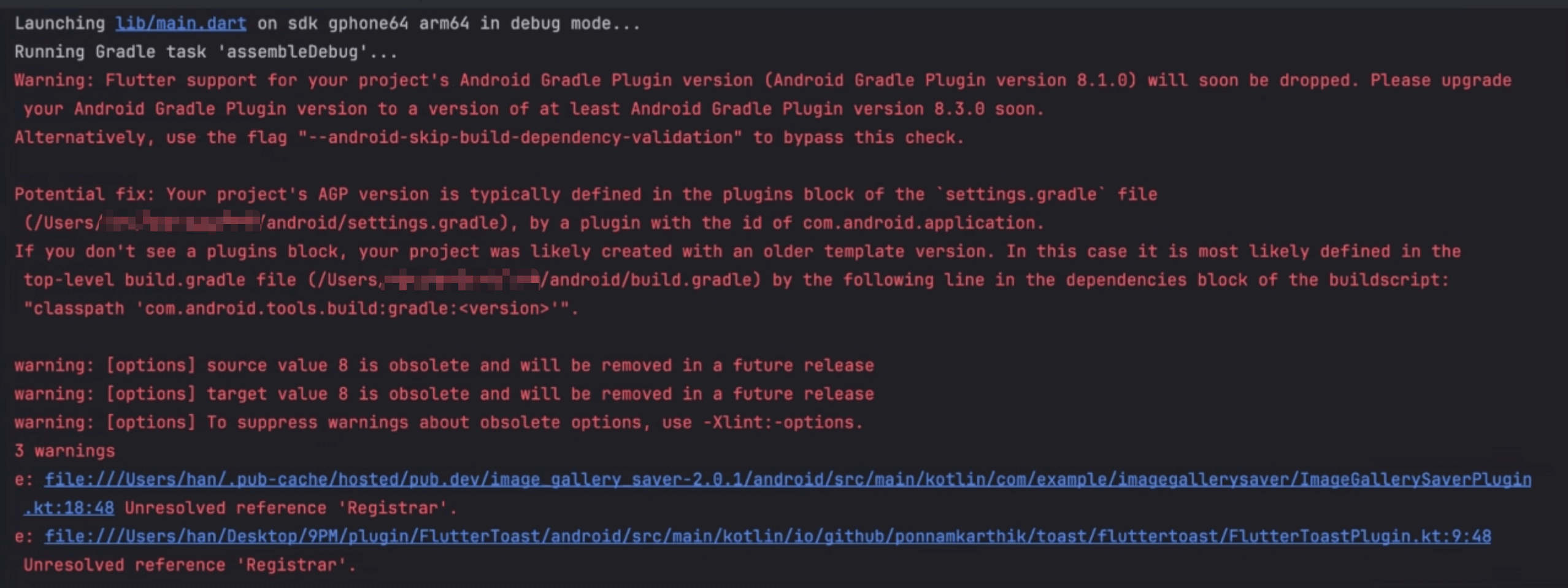
Launching lib/main.dart on sdk gphone64 arm64 in debug mode...
Running Gradle task 'assembleDebug'...
Warning: Flutter support for your project's Android Gradle Plugin version (Android Gradle Plugin version 8.1.0) will soon be dropped. Please upgrade your Android Gradle Plugin version to a version of at least Android Gradle Plugin version 8.3.0 soon.
Alternatively, use the flag "--android-skip-build-dependency-validation" to bypass this check.
Potential fix: Your project's AGP version is typically defined in the plugins block of thesettings.gradlefile (/Users/xxx/android/settings.gradle), by a plugin with the id of com.android.application.
If you don't see a plugins block, your project was likely created with an older template version. In this case it is most likely defined in the top-level build.gradle file (/Users/xxx/android/build.gradle) by the following line in the dependencies block of the buildscript: "classpath 'com.android.tools.build:gradle:'".
warning: [options] source value 8 is obsolete and will be removed in a future release
warning: [options] target value 8 is obsolete and will be removed in a future release
warning: [options] To suppress warnings about obsolete options, use -Xlint:-options.
3 warnings
e: file:///Users/han/.pub-cache/hosted/pub.dev/image_gallery_saver-2.0.1/android/src/main/kotlin/com/example/imagegallerysaver/ImageGallerySaverPlugin.kt:18:48 Unresolved reference 'Registrar'.
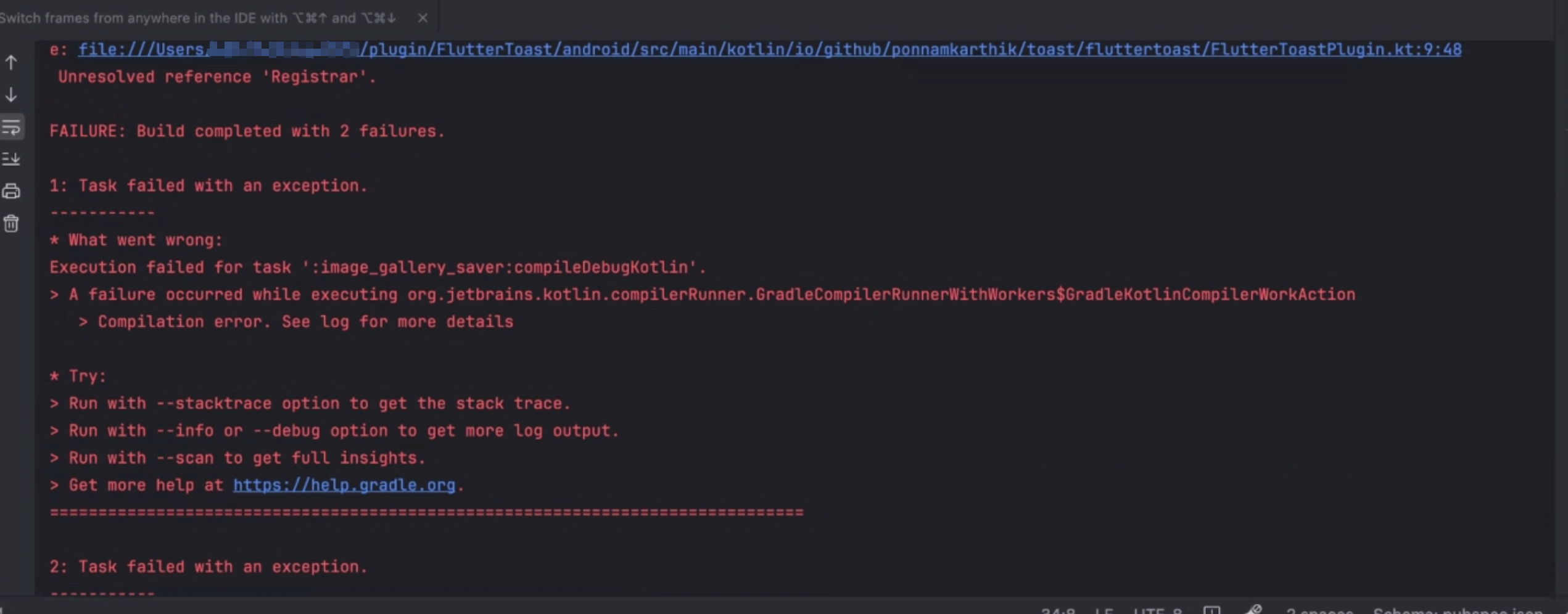
e: file:///Users/xxx/plugin/FlutterToast/android/src/main/kotlin/io/github/ponnamkarthik/toast/fluttertoast/FlutterToastPlugin.kt:9:48 Unresolved reference 'Registrar'.
FAILURE: Build completed with 2 failures.
1: Task failed with an exception.
- What went wrong:
Execution failed for task ':image_gallery_saver:compileDebugKotlin'.
A failure occurred while executing org.jetbrains.kotlin.compilerRunner.GradleCompilerRunnerWithWorkers$GradleKotlinCompilerWorkAction
Compilation error. See log for more details- Try:
Run with --stacktrace option to get the stack trace.
Run with --info or --debug option to get more log output.
Run with --scan to get full insights.
Get more help at https://help.gradle.org.
==============================================================================
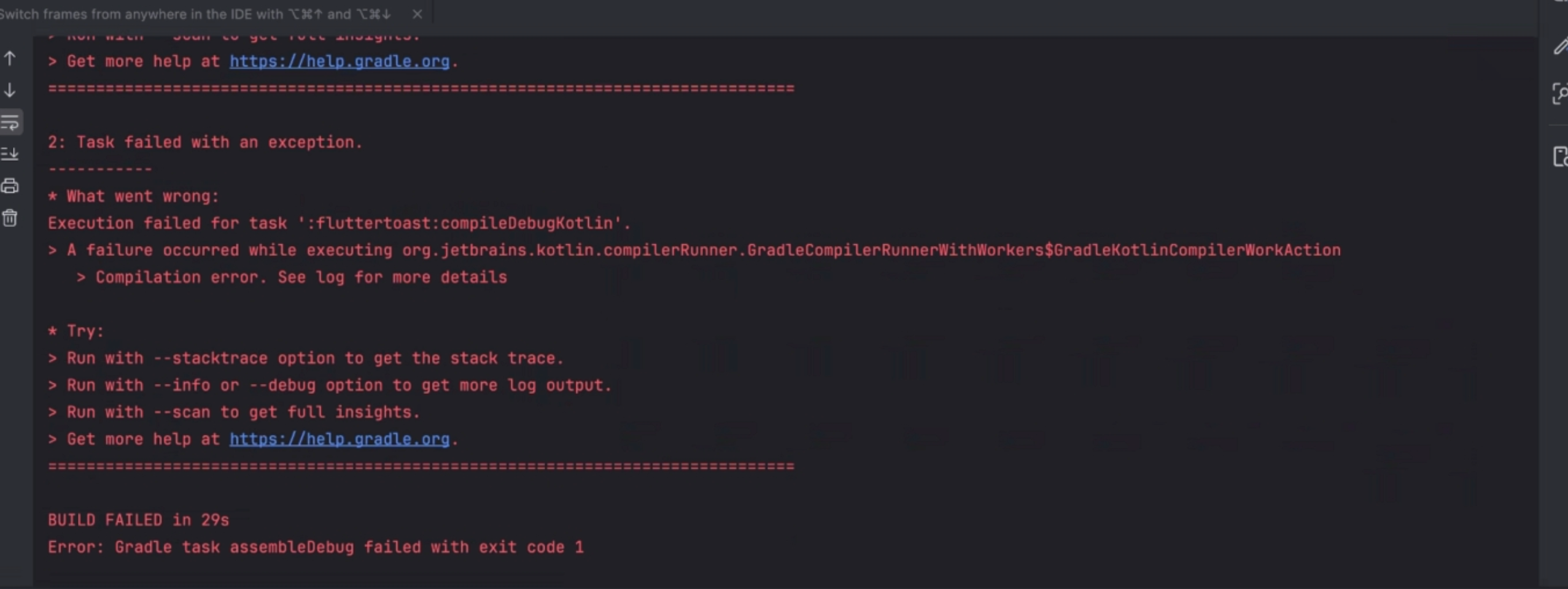
2: Task failed with an exception.
- What went wrong:
Execution failed for task ':fluttertoast:compileDebugKotlin'.
A failure occurred while executing org.jetbrains.kotlin.compilerRunner.GradleCompilerRunnerWithWorkers$GradleKotlinCompilerWorkAction
Compilation error. See log for more details- Try:
Run with --stacktrace option to get the stack trace.
Run with --info or --debug option to get more log output.
Run with --scan to get full insights.
Get more help at https://help.gradle.org.
==============================================================================
BUILD FAILED in 29s
Error: Gradle task assembleDebug failed with exit code 1
报错截图:
分析
从上述的编译信息可以看出,报错在于:fluttertoast:compileDebugKotlin 和 image_gallery_saver:compileDebugKotlin,导致问题出现的真正原因在于e: file://这2个报错语句中,关键信息是:Unresolved reference 'Registrar'。
这个Registrar类,在早期flutter版本更新中已经提到过,可以查看flutter官方解释:https://docs.flutter.dev/release/breaking-changes/plugin-api-migration

那么我们根据报错信息中去看对应的file文件,可以看到(以imagegallerysaver为例):
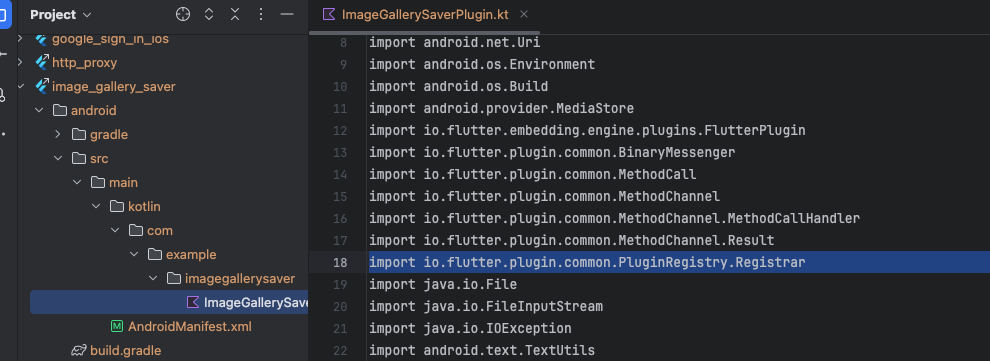
总而言之一句话,flutter已经让大多数的插件发布者发布新的不含Registrar的新版本了,开发者可以去官网: pub.dev去查看是否有新版本或者plus的插件。

那么问题也就好办了,办法有三:
-
- 去pub.dev看看报错的库是否发布了新版本,且新版本中已经去掉
Registrar;
- 去pub.dev看看报错的库是否发布了新版本,且新版本中已经去掉
-
- 如果新版本中还是没有去掉
Registrar依赖,那么寻找其他新库替代;
- 如果新版本中还是没有去掉
-
- 如果也找不到新库,直接fork原来的库,在库里面去掉
Registrar的依赖,并且按照下面引用话中使用基于FlutterPlugin的引用,然后改造成本地依赖的plugin,也是可以的。
- 如果也找不到新库,直接fork原来的库,在库里面去掉
but we encourage you to migrate to the new APIs based on FlutterPlugin.
那么针对我这里的报错,对于fluttertoast这个库,是我本地的plugin库,我直接在本地的plugin中删掉Registrar的引用即可;对于image_gallery_saver,查了一下,最新的版本也没有解决这个问题,那么使用了另一个库替换它,新库是image_gallery_saver_plus: ^4.0.1,然后在使用的地方改成新库的API即可。
至此,编译报错可以解决了。
另外编译信息中提到了gradle版本的问题,最好是要升级一下,下一篇我们来详细描述如何去做。
暂无评论,快来发表第一条评论吧