Parameter specified as non-null is null: method com.flutter.gradle.VersionUtils.mostRecentSemanticVersion, parameter....

记一次flutter编译报错的问题.
我的pubspec.yaml中引入了better_player_plus和flutter_vlc_player,配置是:
pubspec.yaml
...
dependencies:
  flutter:
    sdk: flutter

  # The following adds the Cupertino Icons font to your application.
  # Use with the CupertinoIcons class for iOS style icons.
  cupertino_icons: ^1.0.8
  better_player_plus: ^1.0.8
  flutter_vlc_player: ^7.4.3

dev_dependencies:
  flutter_test:
    sdk: flutter
...
问题1
Launching lib/main.dart on sdk gphone64 x86 64 in debug mode...
Running Gradle task 'assembleDebug'...
Warning: Flutter support for your project's Android Gradle Plugin version (Android Gradle Plugin version 8.1.0) will soon be dropped. Please upgrade your Android Gradle Plugin version to a version of at least Android Gradle Plugin version 8.3.0 soon.
Alternatively, use the flag "--android-skip-build-dependency-validation" to bypass this check.Potential fix: Your project's AGP version is typically defined in the plugins block of the
settings.gradlefile (/Users/edy/Desktop/test/android/settings.gradle), by a plugin with the id of com.android.application.
If you don't see a plugins block, your project was likely created with an older template version. In this case it is most likely defined in the top-level build.gradle file (/Users/edy/Desktop/test/android/build.gradle) by the following line in the dependencies block of the buildscript: "classpath 'com.android.tools.build:gradle:'". FAILURE: Build failed with an exception.
What went wrong:
A problem occurred configuring project ':better_player_plus'.
Parameter specified as non-null is null: method com.flutter.gradle.VersionUtils.mostRecentSemanticVersion, parameter version1Try:
Run with --stacktrace option to get the stack trace.
Run with --info or --debug option to get more log output.
Run with --scan to get full insights.
Get more help at https://help.gradle.org.BUILD FAILED in 1m 15s
Error: Gradle task assembleDebug failed with exit code 1
报错截图:
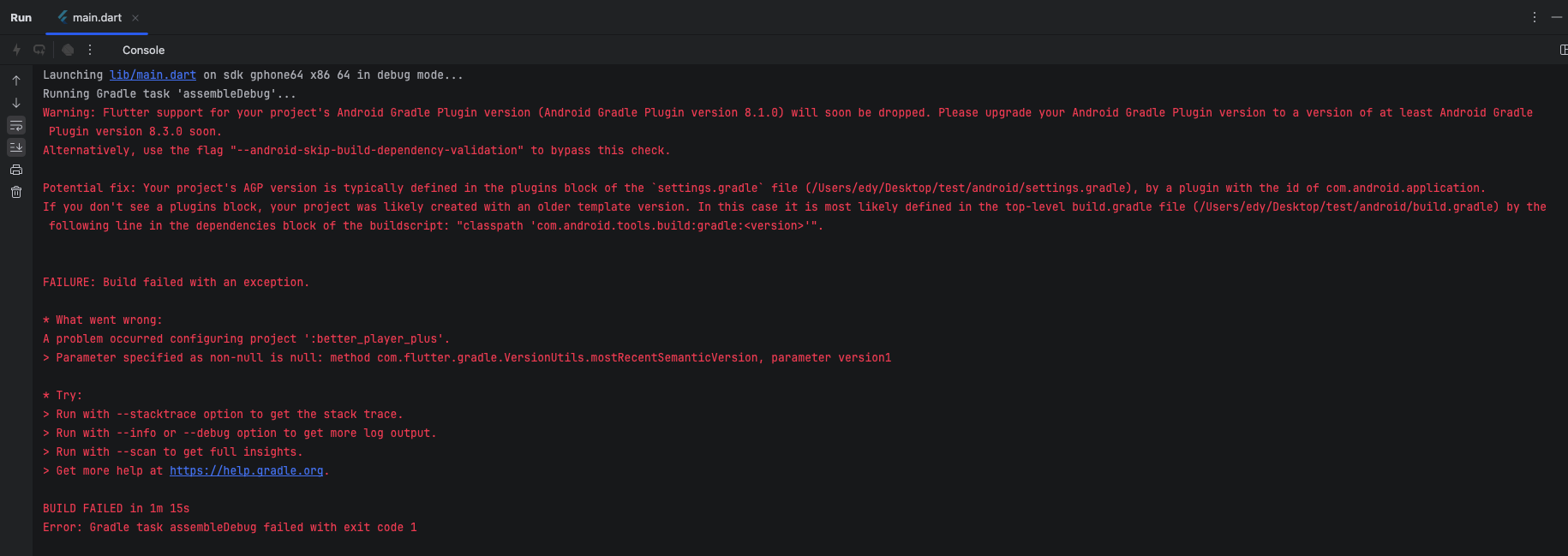
这个问题出现在我使用了flutter的库:flutter_vlc_player: ^7.4.3,但我本地的flutter sdk环境是3.27.0-0.1.pre的问题.
在运行Android的时候,我Android studio中默认的gradle默认是8.1.0的,所以也会有警告.
解决办法
-
- 升级本地的flutter sdk
terminal
flutter channel beta # 切换到最新的beta channel-
- 更新dart版本
之前是
- 更新dart版本
pubspec.yaml
...
environment:
  sdk: ^3.6.0-216.1.beta
...
升级后:
pubspec.yaml
...
environment:
  sdk: ^3.7.0
...-
- 配置android/settings.gradle
之前:
- 配置android/settings.gradle
settings.gradle
...
plugins {
    id "dev.flutter.flutter-plugin-loader" version "1.0.0"
    id "com.android.application" version "8.1.0" apply false
    id "org.jetbrains.kotlin.android" version "1.8.22" apply false
}

include ":app"
配置后:
settings.gradle
...
plugins {
    id "dev.flutter.flutter-plugin-loader" version "1.0.0"
    id "com.android.application" version "8.3.0" apply false // 升级这里
    id "org.jetbrains.kotlin.android" version "1.8.22" apply false
}

include ":app"
到这一步,再编译会有新的报错,错误在下面贴出来,并解决。
问题2
Launching lib/main.dart on sdk gphone64 x86 64 in debug mode...
Running Gradle task 'assembleDebug'...FAILURE: Build failed with an exception.
Where:
Build file '/Users/edy/Desktop/test/android/app/build.gradle' line: 2What went wrong:
An exception occurred applying plugin request [id: 'com.android.application']
Failed to apply plugin 'com.android.internal.version-check'.
Minimum supported Gradle version is 8.4. Current version is 8.3. If using the gradle wrapper, try editing the distributionUrl in /Users/edy/Desktop/test/android/gradle/wrapper/gradle-wrapper.properties to gradle-8.4-all.zipTry:
Run with --stacktrace option to get the stack trace.
Run with --info or --debug option to get more log output.
Run with --scan to get full insights.
Get more help at https://help.gradle.org.BUILD FAILED in 27s
Error: Gradle task assembleDebug failed with exit code 1
问题截图:
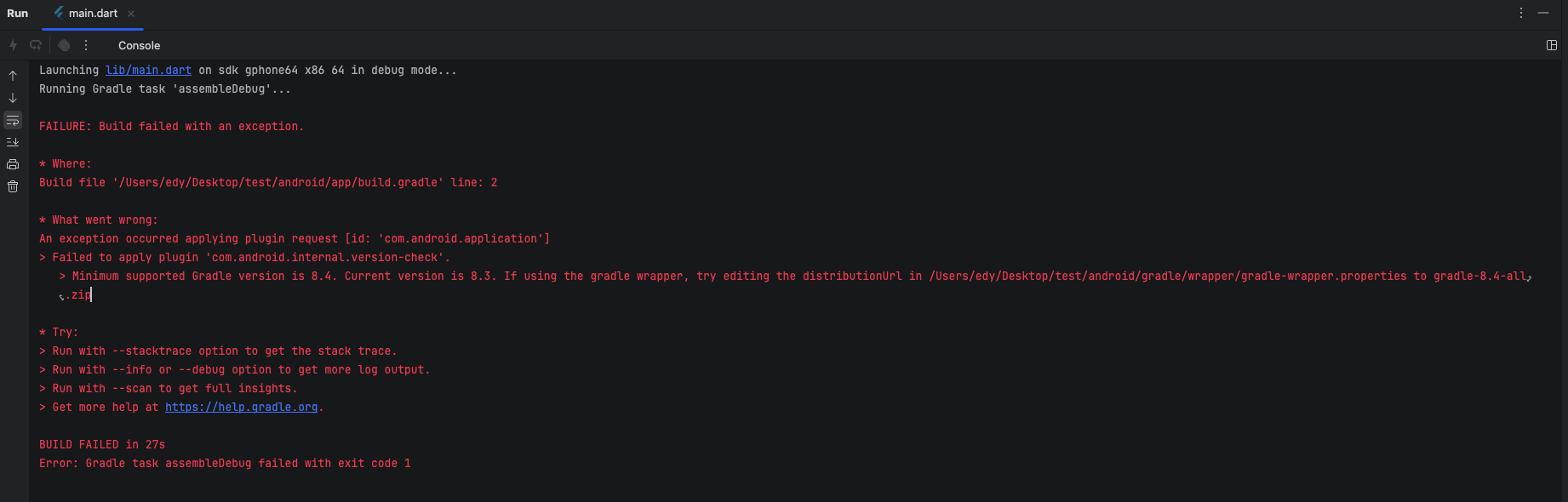
从截图中已经看出解决办法了,提示我们要修改gradle-wrapper.properties的版本
解决办法
修改android/gradle/wrapper/gradle-wrapper.properties配置
之前配置是:
gradle-wrapper.properties
distributionBase=GRADLE_USER_HOME
distributionPath=wrapper/dists
zipStoreBase=GRADLE_USER_HOME
zipStorePath=wrapper/dists
distributionUrl=https\://services.gradle.org/distributions/gradle-8.3-all.zip
更新配置后:
gradle-wrapper.properties
distributionBase=GRADLE_USER_HOME
distributionPath=wrapper/dists
zipStoreBase=GRADLE_USER_HOME
zipStorePath=wrapper/dists
distributionUrl=https\://services.gradle.org/distributions/gradle-8.4-all.zip
再次运行,问题解决了。
希望对大家有借鉴意义。
暂无评论,快来发表第一条评论吧