ARTICLE
uni-app中的输入框input: uni-easyinput,自动填充账号密码的背景色


背景
在前端开发中,输入框input标签,在Safari或者Chrome浏览器上显示网页时,经常会出现keychain或者Google密码的自动填充提示。当使用这个填充提示时,浏览器会把账号和密码自动填充到输入框中,并且改变输入框的背景色,但是背景色就容易和现有的网页的背景色不协调。所以需要去解决这个问题。
示例
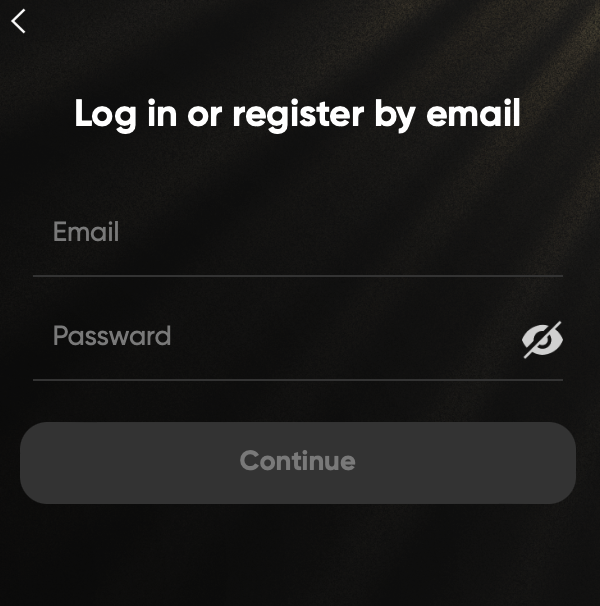
未输入状态:
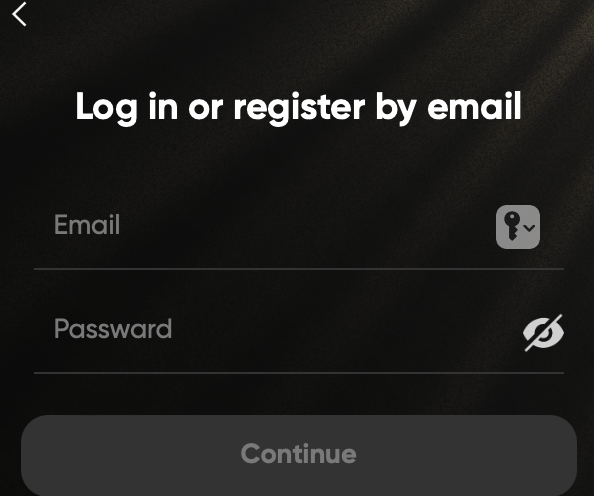
在Safari中准备输入时,Safari自动在输入框右侧显示了账号/密码填充按钮:
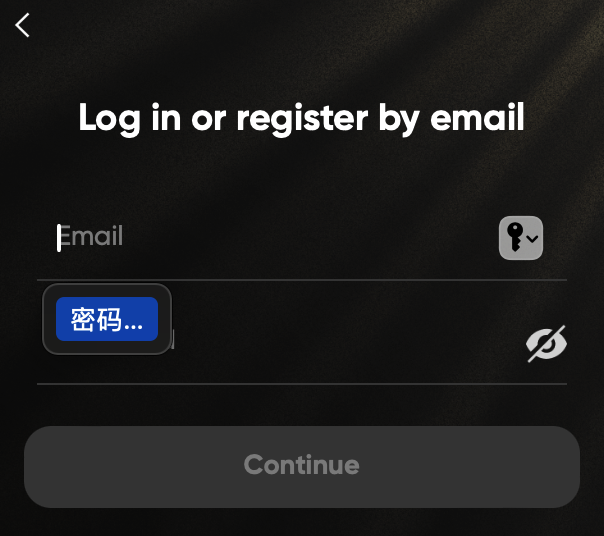
选择自动填充:
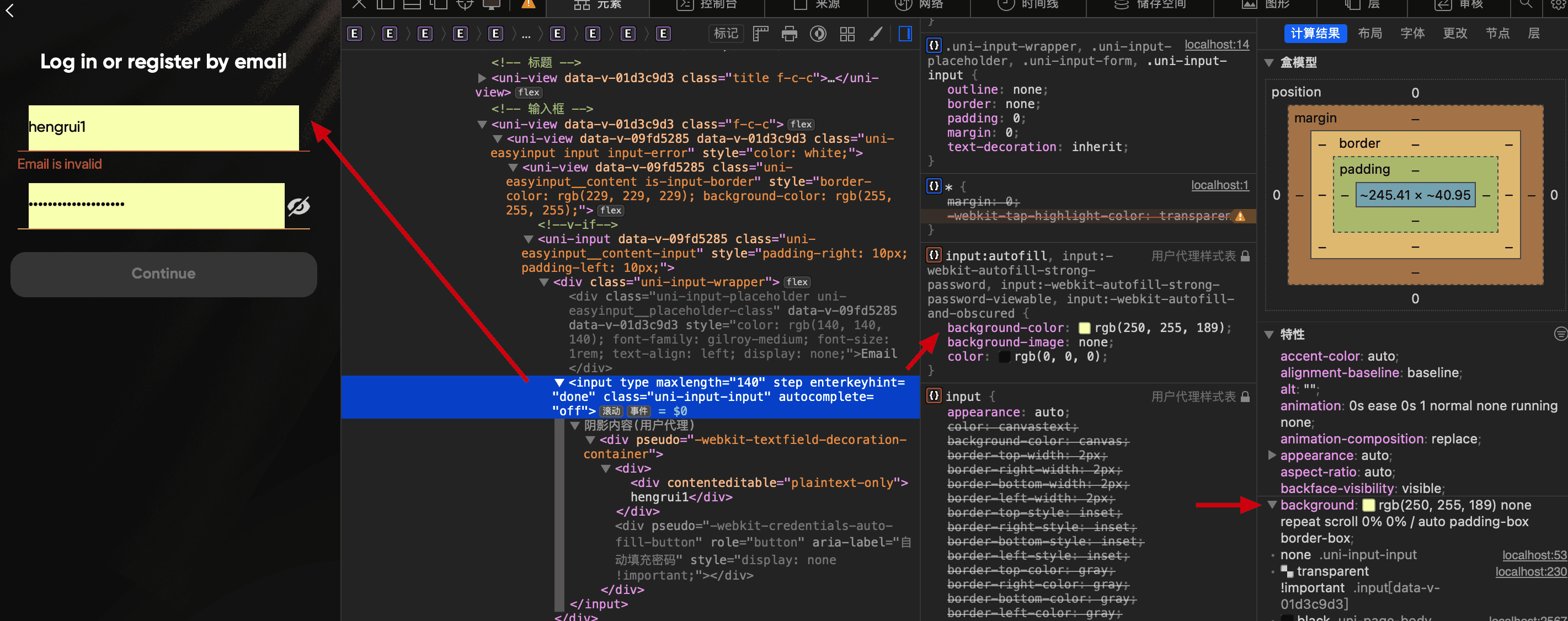
填充之后的样式,发现被Safari修改了:
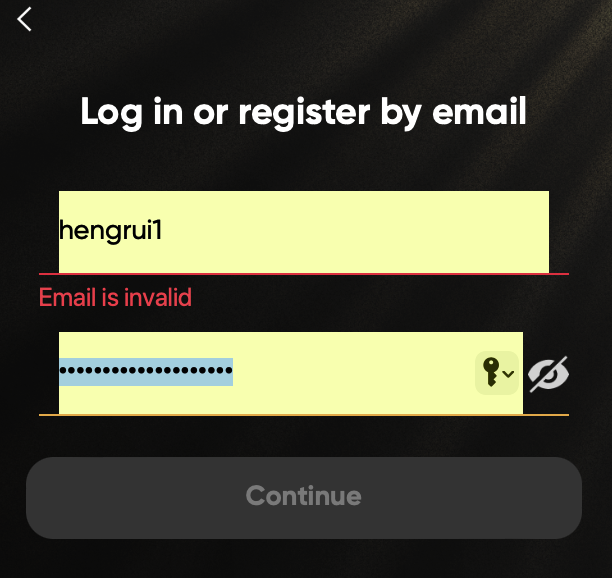
这种UI显示极其不协调,所以需要去修改。但是在检查html元素时,你会发现,直接在css中对input标签设置背景色也解决不了。
解决方案
在网上查找一些解决方案时,很多是直接在input标签设置auto-fill相关的样式,比如以下:
css
input:-webkit-autofill,
input:-webkit-autofill:hover,
input:-webkit-autofill:focus,
input:-webkit-autofill:active  {
    transition: background-color 5000s;
    -webkit-text-fill-color: #fff !important;
}
但是我当前是使用的uni-app这个框架,直接设置input的标签并不会直接生效,所以采用以下的方法:
scss
:deep(.uni-input-input) {
  color: white !important;
  -webkit-text-fill-color: white !important;
  -webkit-box-shadow: 0 0 0px 1000px transparent inset !important;
  background-color:transparent !important;
  background-image: none !important;
  transition: background-color 50000s ease-in-out 0s !important; //背景色透明 生效时长 过渡效果 启用时延迟的时间
}我在uni-app框架下使用的是uni-easyinput输入框:
uni-app, xxx.vue
<uni-easyinput
  class="input"
  :class="{ 'input-empty' : email.trim().length <= 0, 'input-error' : emailError.trim().length > 0 }"
  placeholder="Email"
  placeholder-style="color:#8C8C8C;font-family:'gilroy-medium';font-size:32rpx;text-align:left"
  style="color: white;"
  :clearable="false"
  v-model="email"
/>
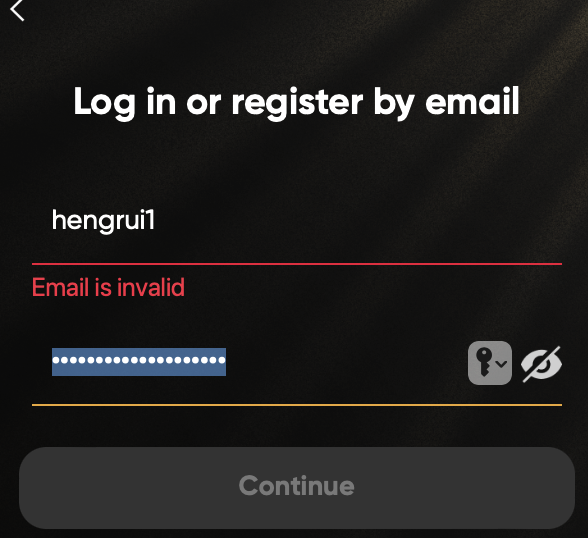
效果:
希望对大家有帮助。
نشر في2024-07-31 03:45:41
حجم البث1713·
اكتب أفكارك
تبادل الأفكار والتواصل الصديقلا توجد تعليقات، اكتب التعليق الأول.